
Download Bass Booster APK – Free Android Audio Enhancer, Bass Booster App, Music Player, Virtualizer Tool
Overview
Bass Booster is a free Android application developed by Desaxed Studios, designed to enhance the audio experience for music lovers and casual listeners alike. The software specializes in amplifying bass frequencies, making music sound deeper, richer, and more immersive. It is particularly useful for users who want to improve the low-end output of their smartphone speakers or headphones without requiring external hardware. The app is built for Android devices and functions as both a standalone audio player and a real-time audio enhancement tool that integrates with most existing music players.
Target users include audiophiles seeking a more dynamic listening experience, gamers who want enhanced sound effects, and everyday users who enjoy music with strong bass. It is ideal for use in personal listening sessions, mobile gaming, or even casual podcast consumption where audio clarity and depth matter. The app supports a wide range of audio formats, allowing users to apply bass enhancement to various types of media files without compatibility issues.
Desaxed Studios, the developer, has positioned Bass Booster as a lightweight yet powerful utility that delivers immediate audio improvements. While no additional details about the company’s background were provided, the app’s functionality suggests a focus on user-friendly audio processing. The software is available at no cost, with no advertisements or in-app purchases, making it accessible to a broad audience.
Key Features & Capabilities
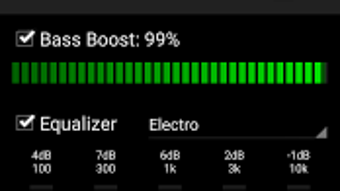
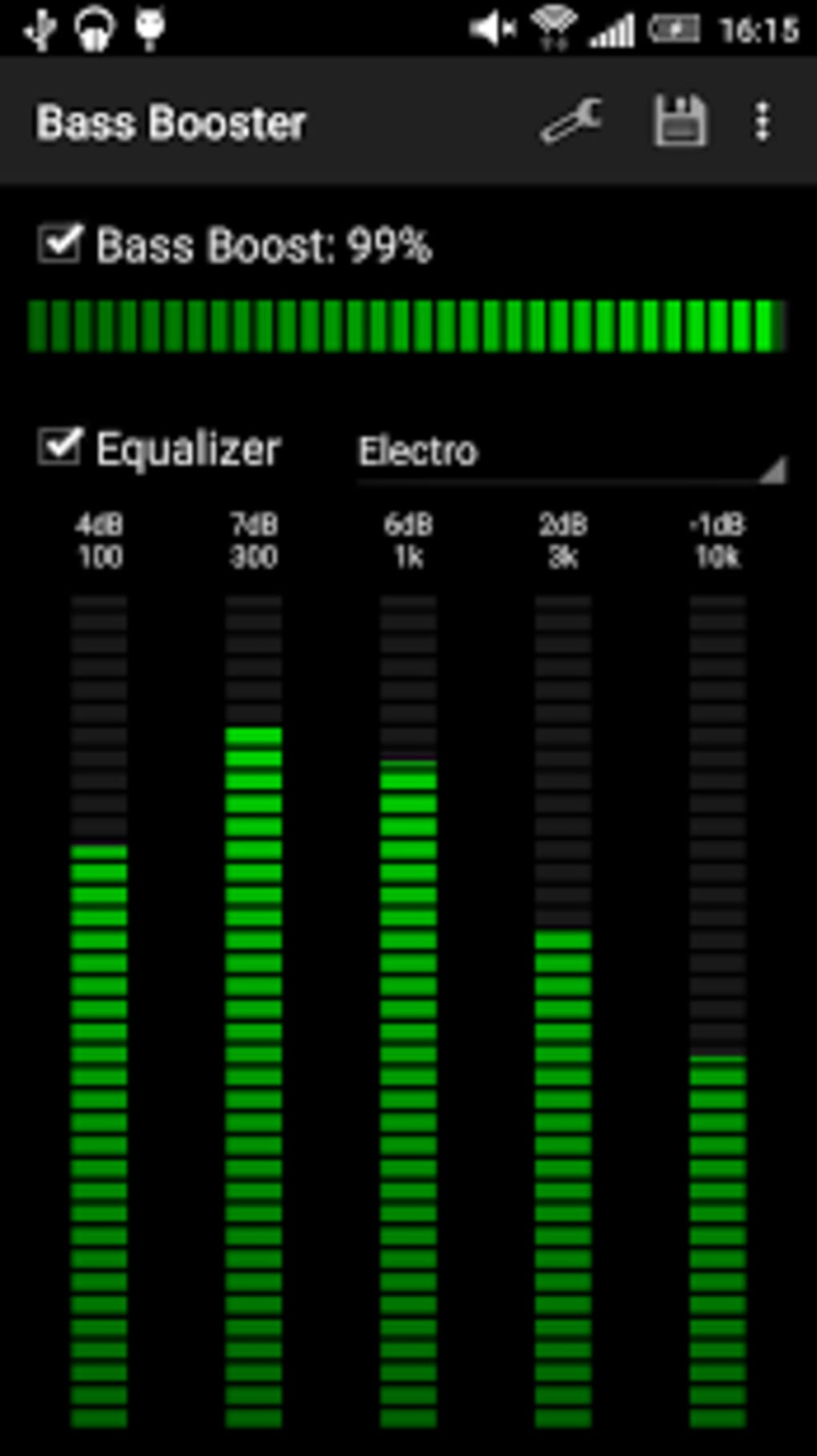
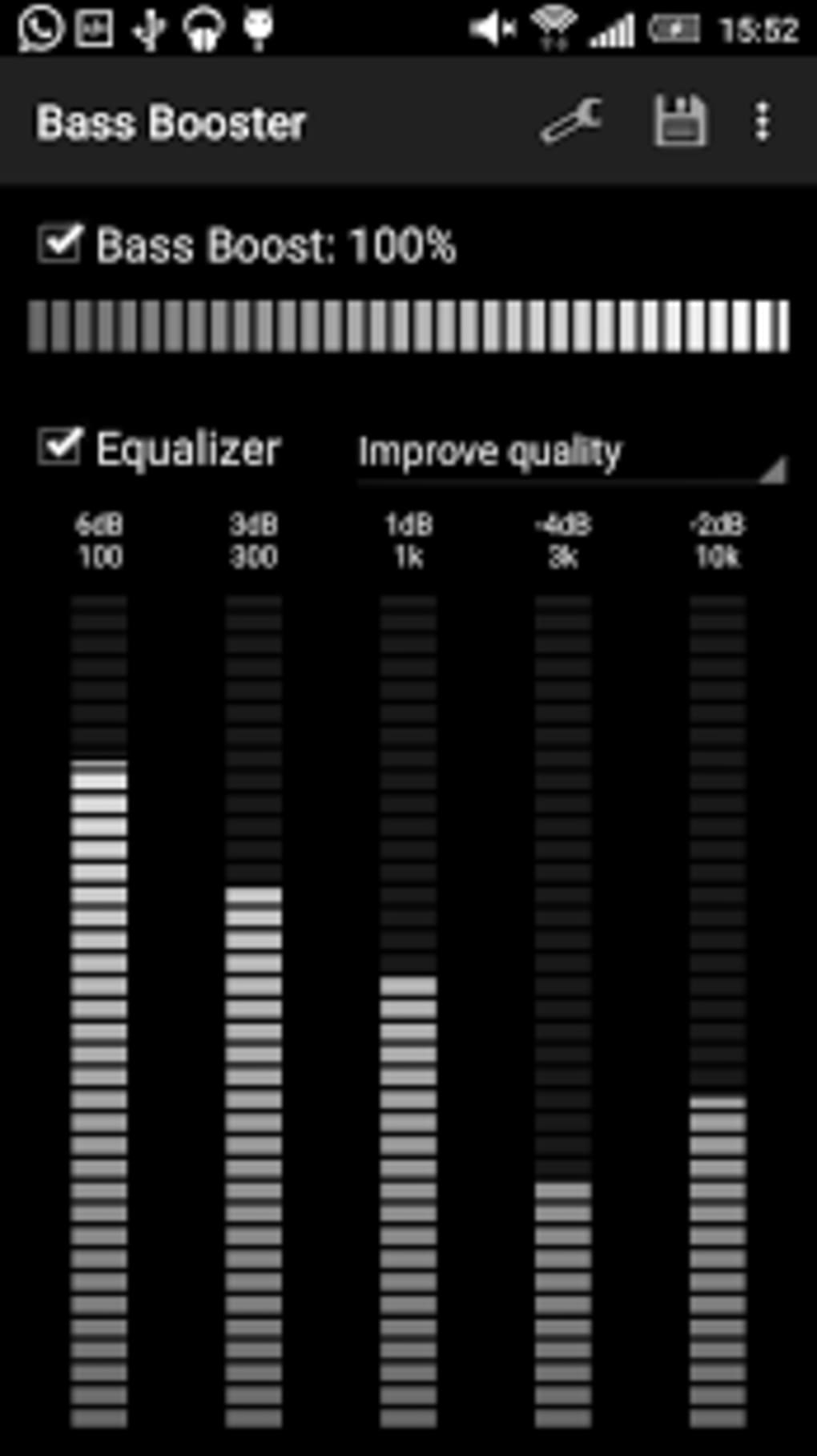
- Bass Boost Enhancement – Dynamically increases low-frequency audio output, making music sound fuller and more impactful on mobile devices with limited speaker capabilities.
- 20 Pre-Set Bass Presets – Offers a variety of ready-to-use configurations tailored to different music genres and listening preferences, such as hip-hop, EDM, rock, and ambient.
- Custom Preset Creation – Allows users to fine-tune bass levels, EQ settings, and audio effects to create personalized sound profiles and save them for future use.
- Audio Sharing Functionality – Enables users to export and share custom presets with others, fostering community-driven audio tuning and collaboration.
- Integrated Virtualizer – Applies spatial audio effects to simulate a surround-sound experience, enhancing depth and immersion even on stereo devices.
- Real-Time Audio Processing – Works on the fly with any audio stream, including music, games, videos, and live recordings, without requiring file conversion.
- Microphone Recording Mode – Supports recording audio through the device’s built-in mic while applying bass and virtualization effects in real time.
- Format Compatibility – Supports all major audio file types, ensuring broad usability across different media sources.
These features make Bass Booster suitable for use in diverse scenarios. For example, a user can apply a “Bass Heavy” preset while listening to a playlist on Spotify, or record a voice note with enhanced low-end presence for a more dramatic effect. The ability to create and share custom presets also encourages experimentation and personalization, appealing to both casual users and tech-savvy listeners.
User Interface, Workflow & Performance
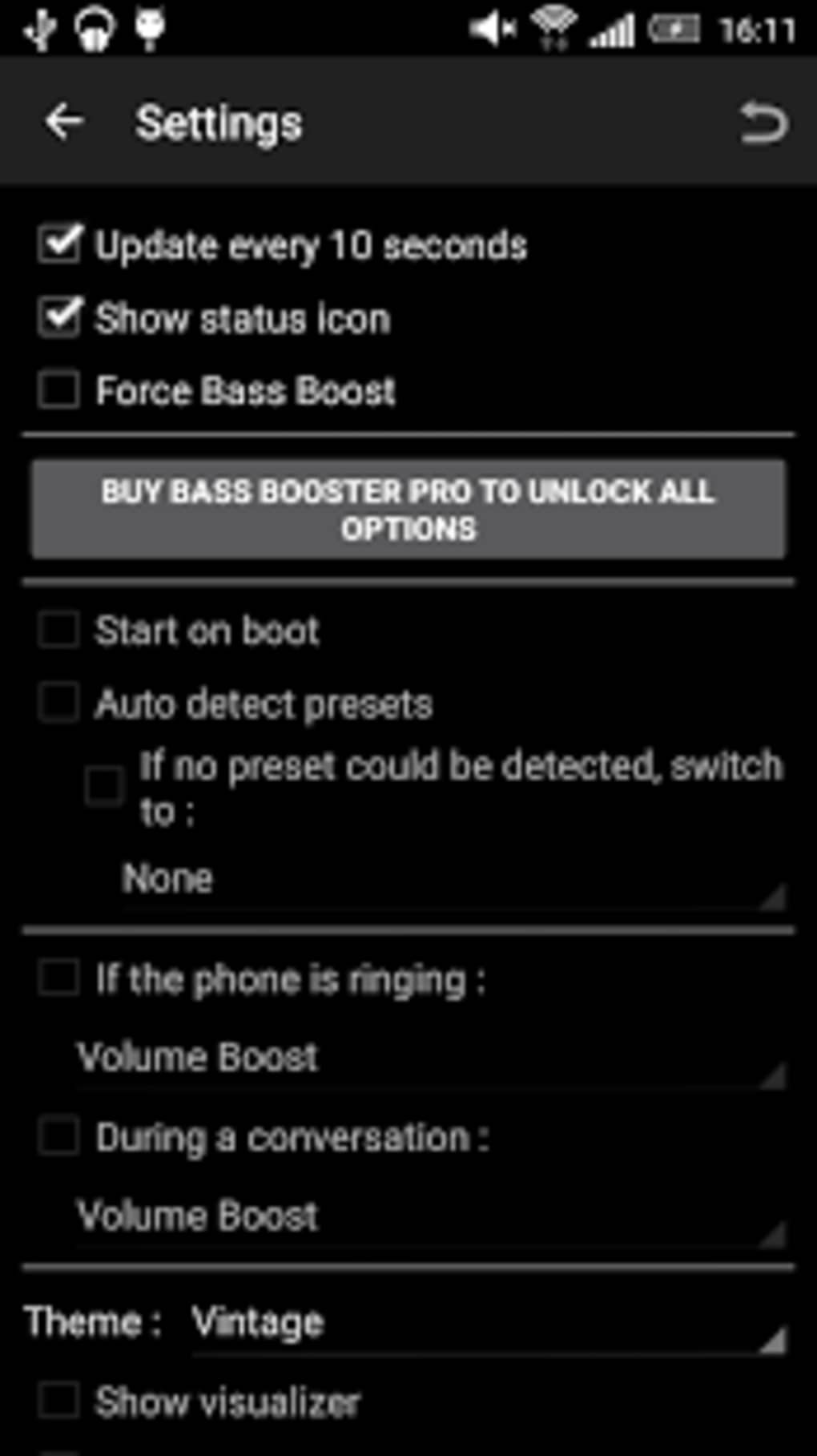
The user interface of Bass Booster is designed with simplicity and accessibility in mind, featuring a clean layout with intuitive controls. Main functions such as preset selection, bass level adjustment, and virtualizer activation are accessible through clearly labeled buttons and sliders. Navigation is straightforward, allowing users to switch between presets or customize settings with minimal effort.
Workflow efficiency is high, as the app operates in real time and does not require lengthy setup or background processing. Users can enable the enhancement with a single tap, and changes take effect immediately. The interface adapts well to different screen sizes, ensuring usability across a range of Android devices.
Performance observations are based on general software behavior patterns. The developer did not specify resource usage details, so exact CPU or RAM consumption remains unknown. However, as a real-time audio processor, the app is expected to maintain low latency and minimal impact on battery life during typical use. Stability is assumed to be consistent, given the app’s free and ad-free nature, which reduces the risk of performance degradation from third-party integrations.
Compatibility & System Requirements
Bass Booster is designed for Android operating systems and is compatible with most Android devices. The app supports all major audio formats, ensuring broad functionality across different media types. The installation size is not specified, so exact storage requirements are unknown.
Exact system requirements were not listed. However, the developer claims broad compatibility, suggesting the app is optimized for devices running Android 5.0 and above. The app does not require root access or special permissions beyond standard audio and microphone access, which helps maintain security and ease of installation.
Pros and Cons
Pros
- Completely free with no ads or in-app purchases
- Supports real-time audio enhancement across all major music players
- Offers 20 pre-set bass presets for immediate use
- Allows creation and sharing of custom audio presets
- Includes a built-in virtualizer for immersive sound
- Works with the device’s microphone for real-time recording with effects
- Compatible with all major audio file formats
Cons
- No official information on minimum system requirements
- Resource usage and battery impact not disclosed
- Performance details on different devices were not provided
- Interface may lack advanced audio visualization tools
- Limited customization options beyond bass and virtualizer
FAQ Section
Is Bass Booster safe to download and use?
Yes, the app is free from ads and in-app purchases. It does not require root access and operates within standard Android permissions, making it safe for most users.
Can I use Bass Booster with my favorite music player?
Yes, the app is designed to work with most music players on Android, including Spotify, YouTube Music, and local media apps, without requiring file conversion.
Does Bass Booster require an internet connection?
No, the app functions entirely offline. All audio processing, preset management, and recording features work without needing an internet connection.
How do I create and share my own bass presets?
Users can adjust the bass levels and virtualizer settings, then save the configuration as a custom preset. These can be exported and shared with others via file transfer or messaging apps.
Is the app available for iOS or Windows?
Currently, Bass Booster is only available for Android devices. There is no official version for iOS or PC platforms.
Final Thoughts + CTA
Bass Booster stands out as a powerful, free audio enhancement tool that delivers tangible improvements to the listening experience on Android. Its combination of pre-set and customizable bass profiles, real-time processing, and virtualizer functionality makes it a versatile utility for music lovers and content creators alike. While detailed technical specifications are limited, the app’s simplicity, broad compatibility, and ad-free model make it a reliable choice for users seeking deeper bass without additional costs.
Whether you're enhancing your playlist, recording audio with rich low-end, or just enjoying your favorite tracks with more punch, Bass Booster provides a straightforward and effective solution. It’s particularly well-suited for casual users and mobile audiophiles who want immediate audio results without complexity.
Download Bass Booster now and elevate your Android audio experience with powerful bass enhancement and immersive sound effects.






.png)
